Welcome
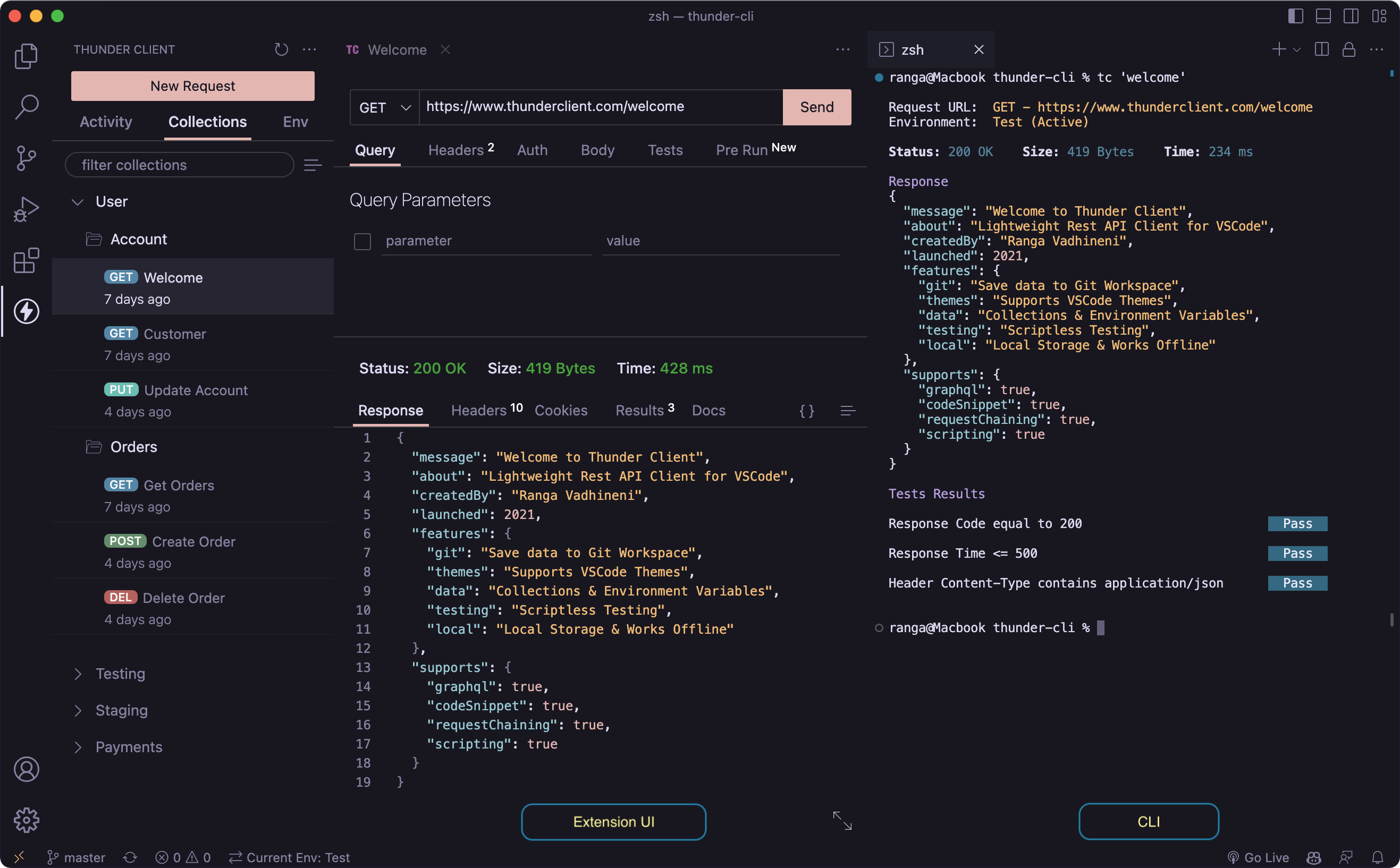
Thunder Client is a lightweight, easy-to-use REST API client for VS Code and JetBrains IDEs. It is designed with a focus on simplicity, clean design, Git collaboration, and local storage.




How to Use
- Install the extension using one of the links above.
- In VS Code or JetBrains IDE, click the
Thunder Clienticon in the Activity Bar. - Watch the video tutorial to get started, or see Get Started for links to the key features.
Requirements
- VS Code
v1.101.0or later. - Node.js
v22.0.0or later.
Main Features
- Collections and Environments: Organize requests and manage variables across environments.
- Scriptless Testing: Test API responses through a GUI, with no code required.
- Local Storage: All data is saved locally on your device.
- Git Sync: Save request data in your Git repository for team collaboration.
- Advanced CLI: Run requests and collections from the terminal and integrate them into CI/CD pipelines.
Innovations
Thunder Client was the first to introduce:
- A GUI-based API client for VS Code.
- A 100% local storage API client.
- Scriptless testing.
- An advanced CLI that runs requests, collections, and cURL commands.
Storage Location
By default, the VS Code extension stores request data in the following locations:
- Windows:
%APPDATA%\Code\User\globalStorage\rangav.vscode-thunder-client - macOS:
~/Library/Application Support/Code/User/globalStorage/rangav.vscode-thunder-client - Linux:
~/.config/Code/User/globalStorage/rangav.vscode-thunder-client - VS Code Server (Linux):
~/.vscode-server/data/User/globalStorage/rangav.vscode-thunder-client
Release Notes and Feedback
- See the release notes for the latest changes.
- Report bugs or request features on GitHub .
Last updated on